Shopify customisation
A Shopify wishlist, no app needed
A wishlist built into the store's theme - a heart on every product, a page of saved products and a link to share them - with no app, no monthly fee and no account to sign up for.
What it is
A wishlist built into a Shopify store’s theme. Shoppers tap a heart to save a product, come back to the list later, and share it with a link. There’s no app to install, no monthly fee, and no account to sign up for.
It’s live on a theme I designed for Darthome, a UK homeware retailer, and the pictures below are from their store.
Why build it into the theme
Lots of stores want a wishlist, but the usual answer is an app: a monthly fee, often bundled with features the store doesn’t need, and another company’s scripts on every page. This one is part of the theme:
- No monthly fee, and nothing extra loading on the store’s pages.
- Nothing goes anywhere else: the list is kept in the shopper’s own browser, and the wishlist page asks only the store itself for the products.
- No account needed, so a shopper can save from their first visit.
- In the store’s own style: the hearts sit on the theme’s own product cards, and the page uses them too, so everything matches without restyling.
What shoppers get
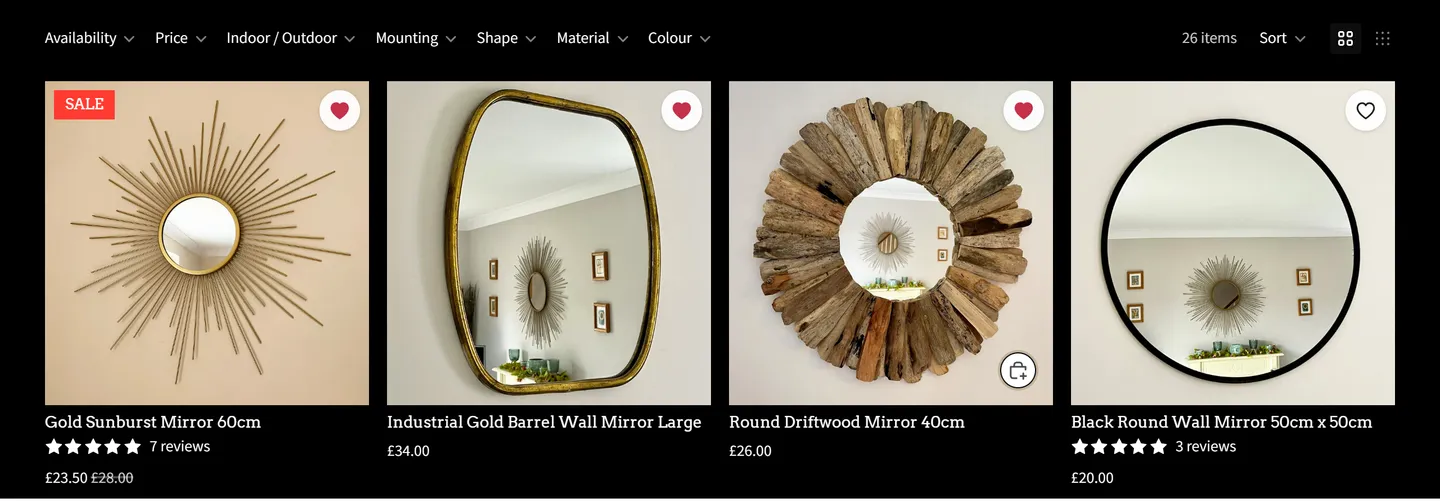
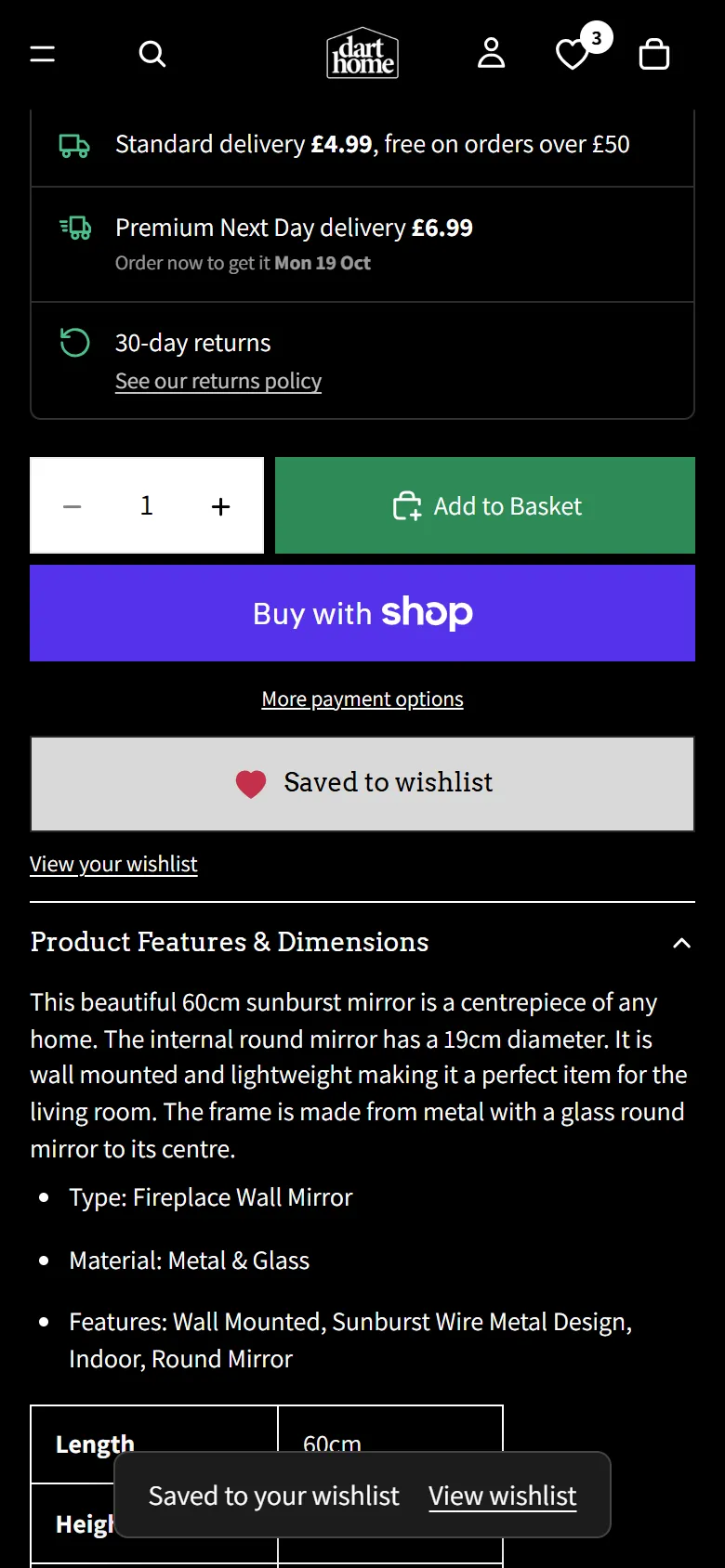
- A heart on every product card, which saves the product in one tap, and a Save to wishlist button on the product page.
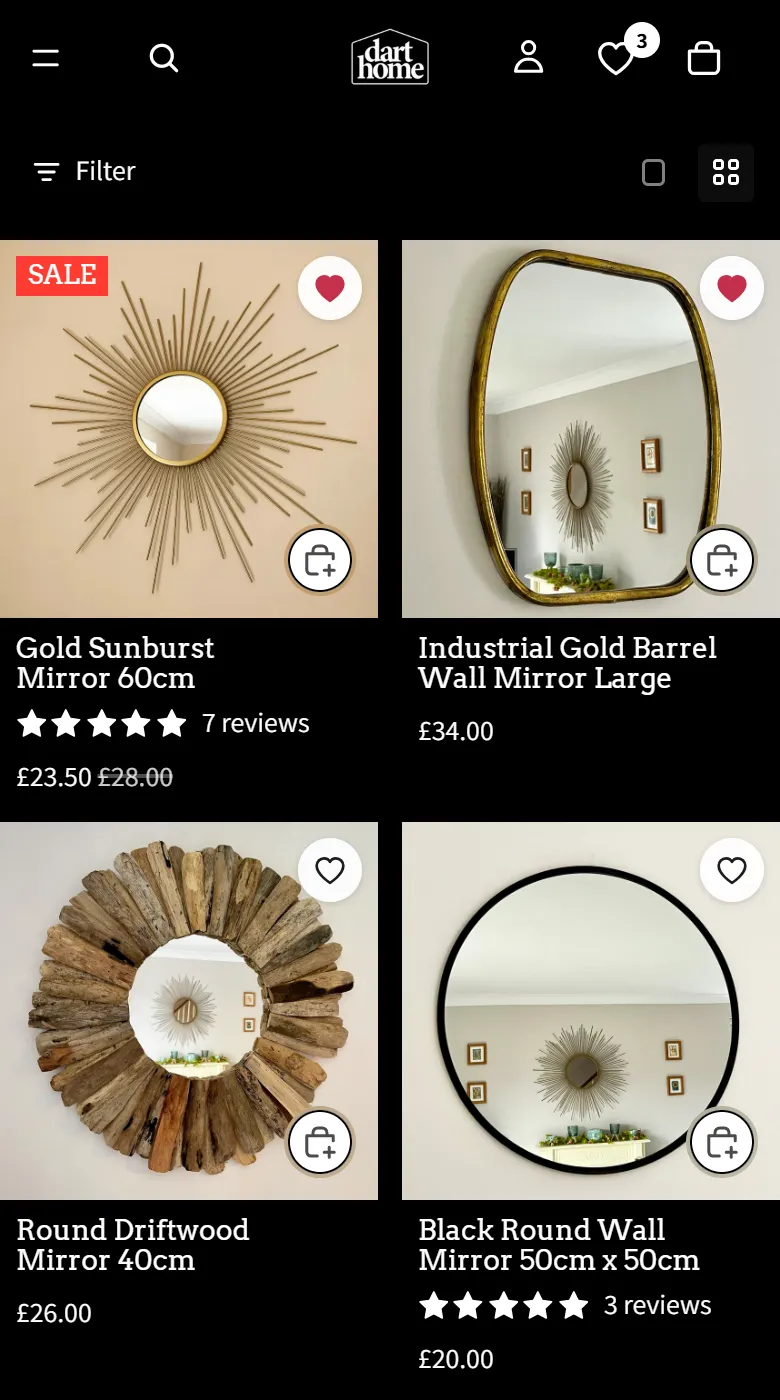
- A count on the header’s heart, and a short message with a link to the list after each save.
- A wishlist page in the store’s own product cards, newest first, with today’s prices, sale badges and stock, sold-out products included.
- Undo after taking a product off, or after clearing the whole list.
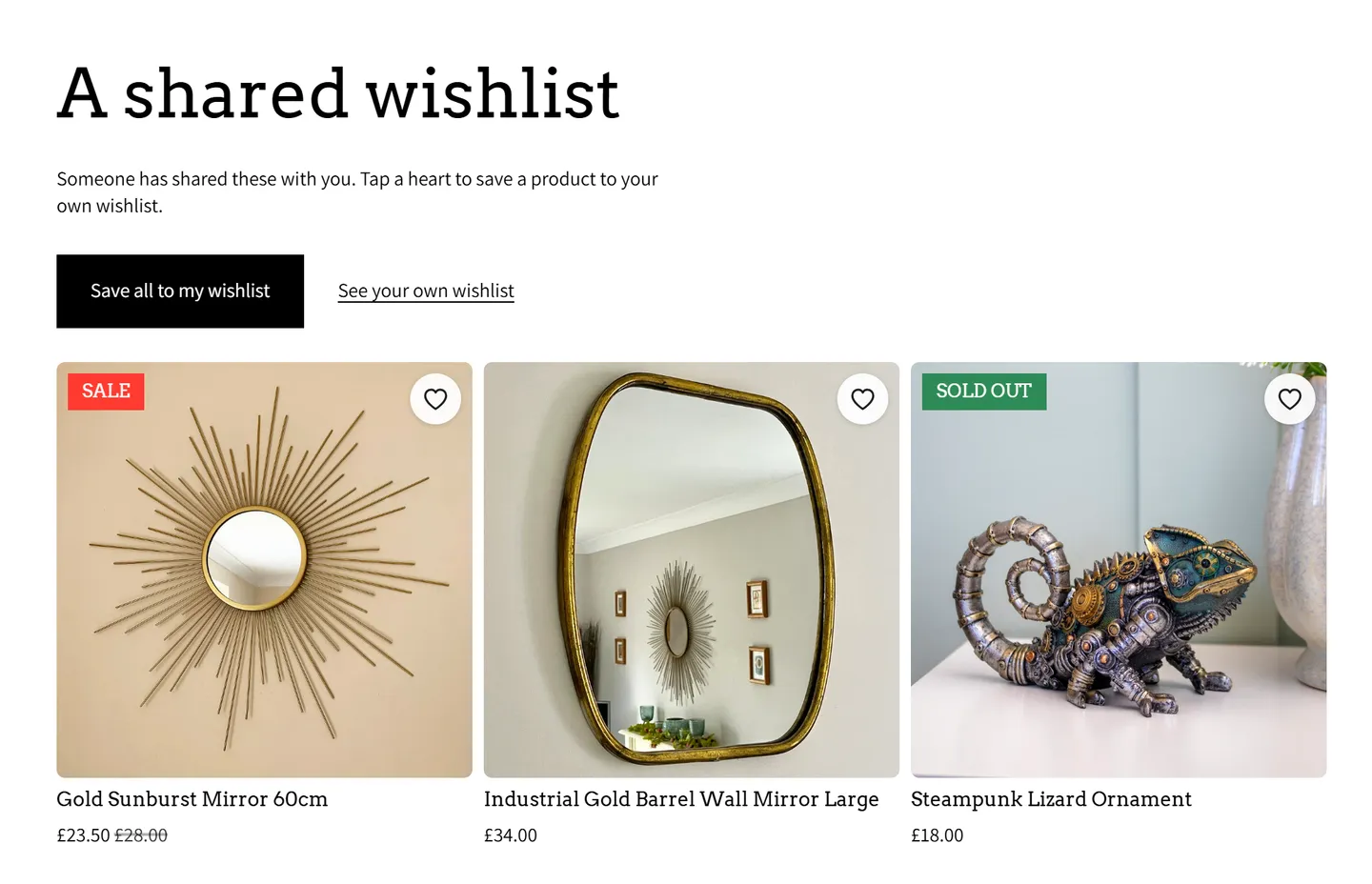
- A link to share the list. It opens the list on another device, or for family and friends, who can save any of it to their own wishlist.
As the list is kept in the browser, it stays on the device it was saved on, and the share link is how it moves to another.
Built for the shop
- Set up in Shopify’s editor: what it says and how it looks are settings, so the shop can change them without me.
- Keeps itself tidy: a product that leaves the shop comes off the list, with a note to say so, and a list holds up to 100 products.
- Tested before it went live: 71 automated checks, on a test shop and on the store’s own theme, from saving without opening a card to a shared list on a phone. To prove the checks work, I broke the code on purpose 62 times, and they caught every break.
On a theme I designed for Darthome
The Darthome case studyA heart on every product
The header keeps count
Save from the product page
Undo, always
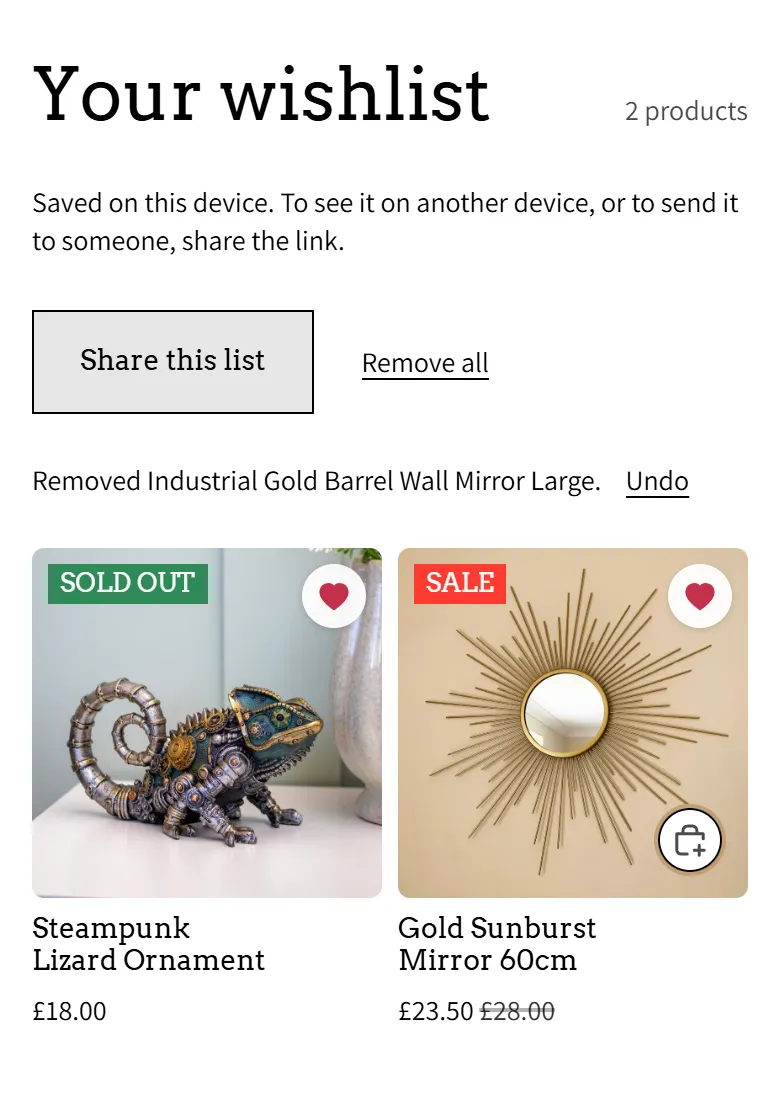
The wishlist page
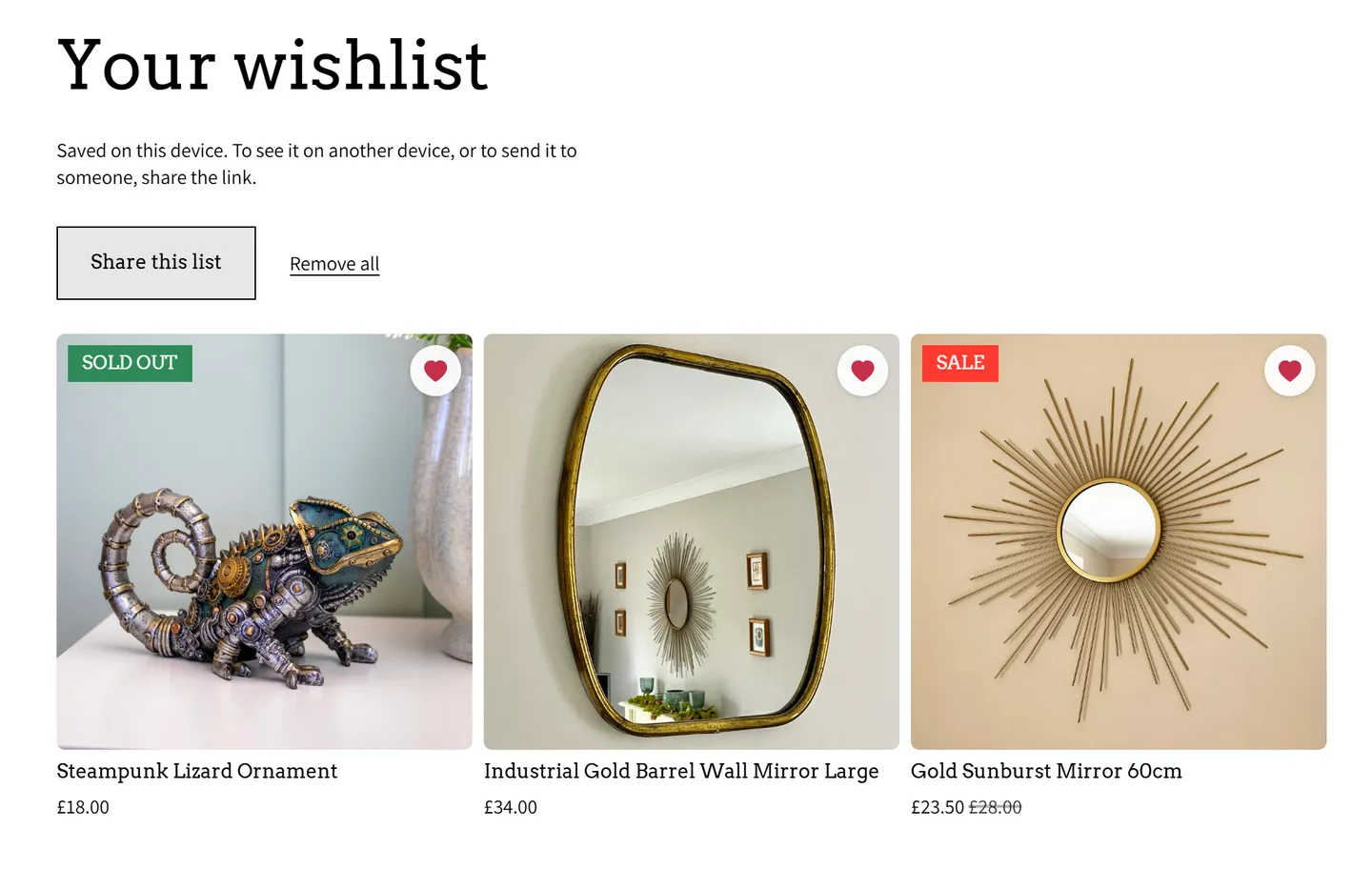
A shared list